DeepStrip Review
Speed-focused undress, face swap and photo animation — with an AI auto-detect mode for fast generations.
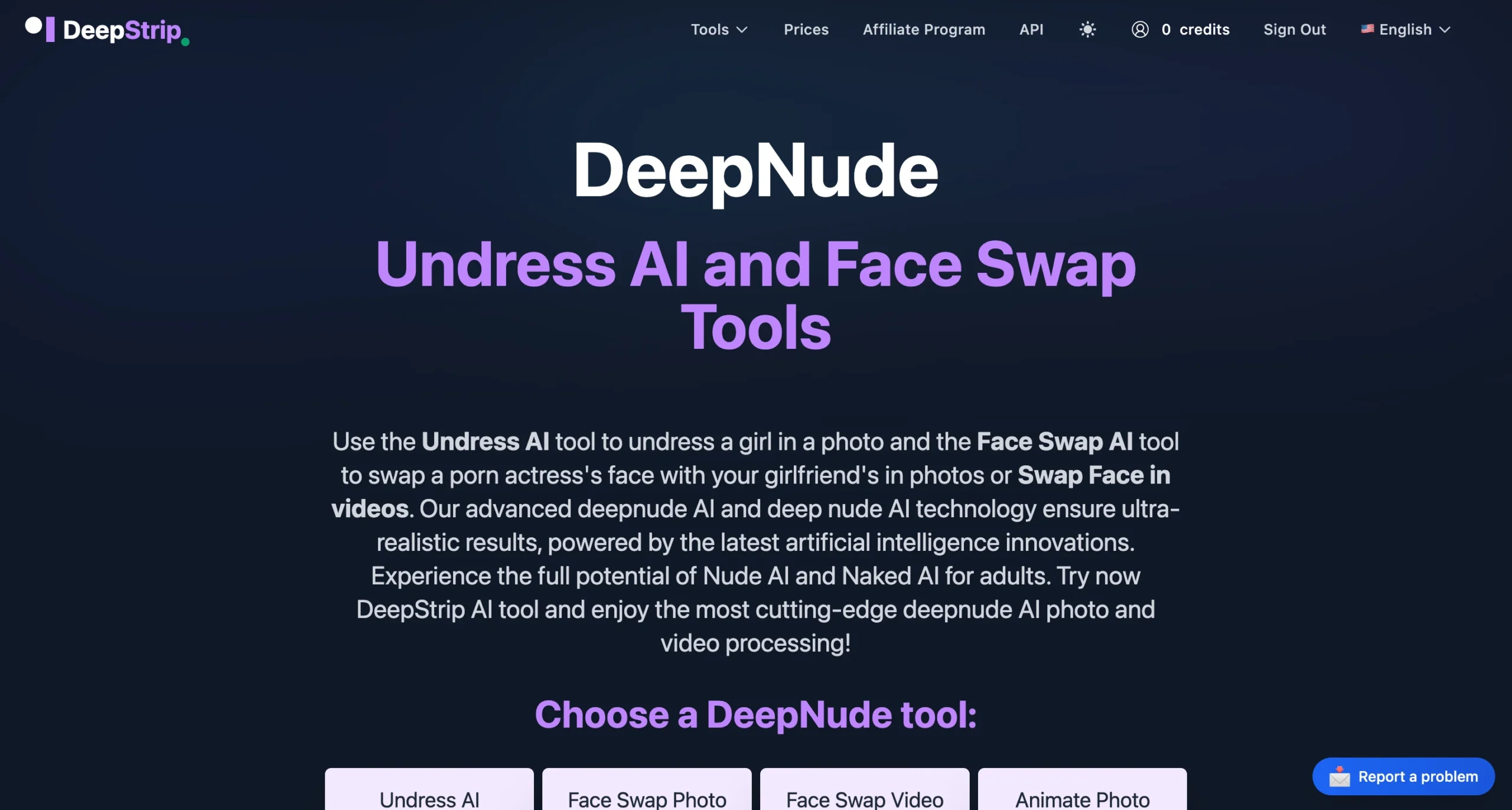
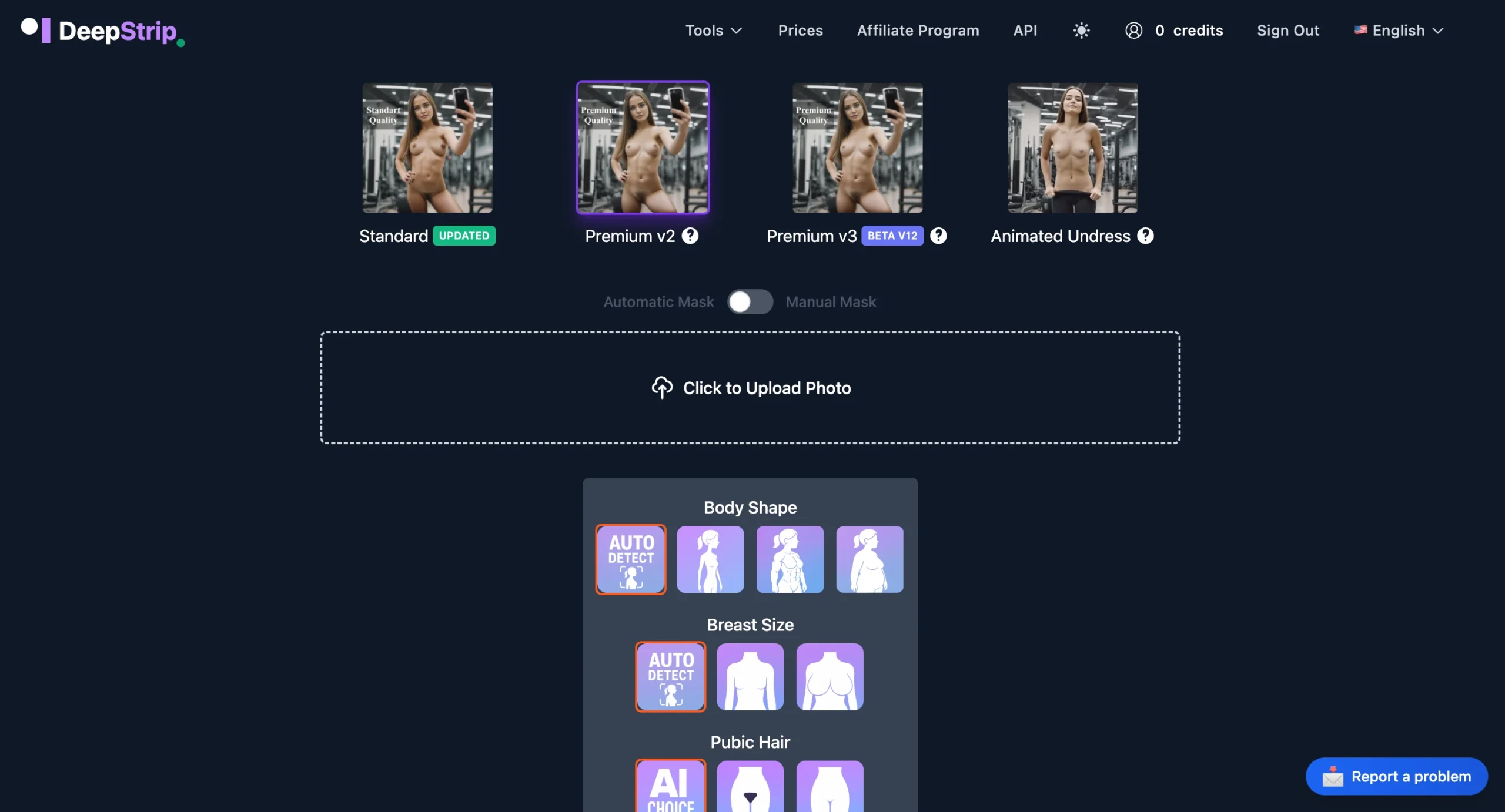
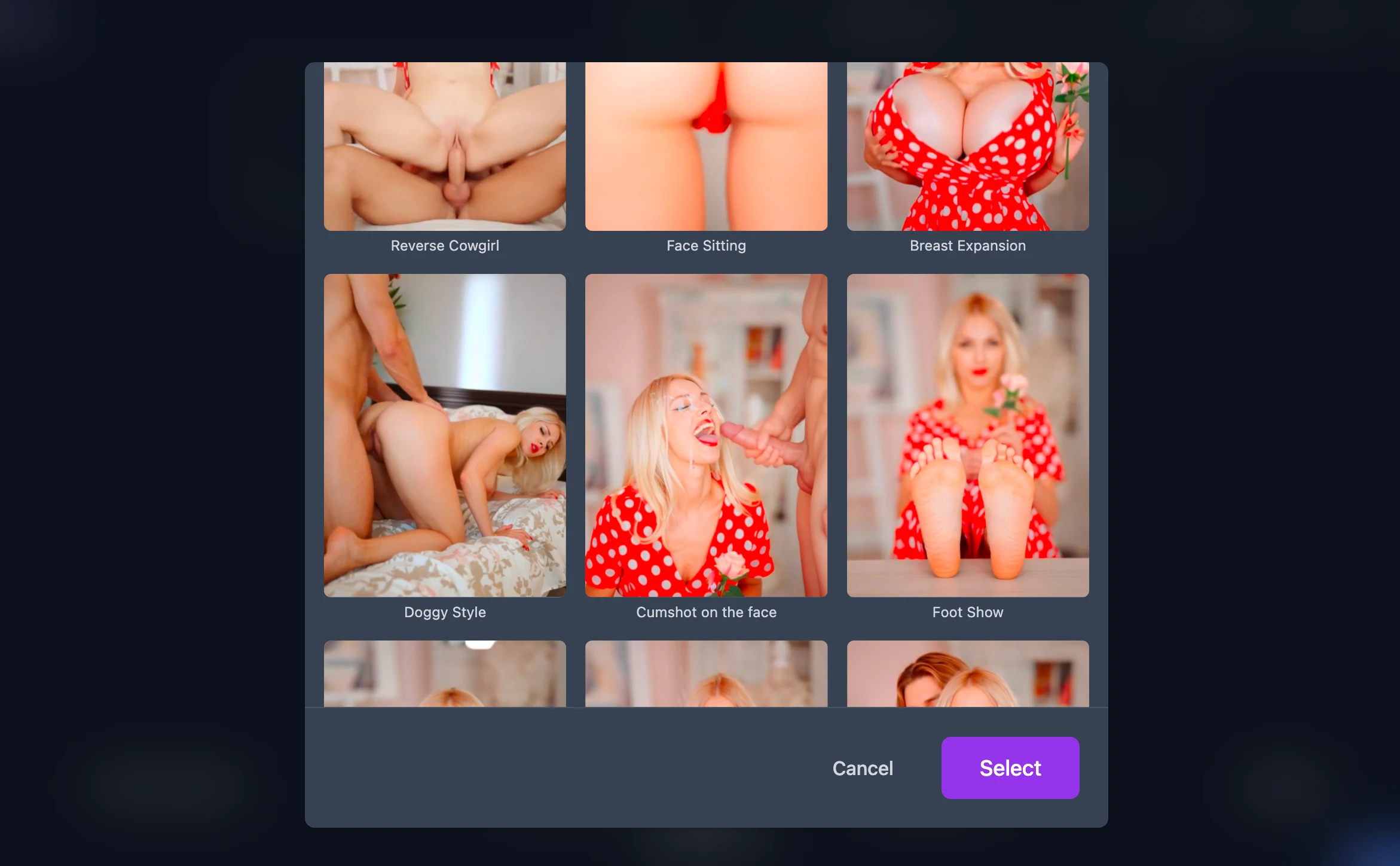
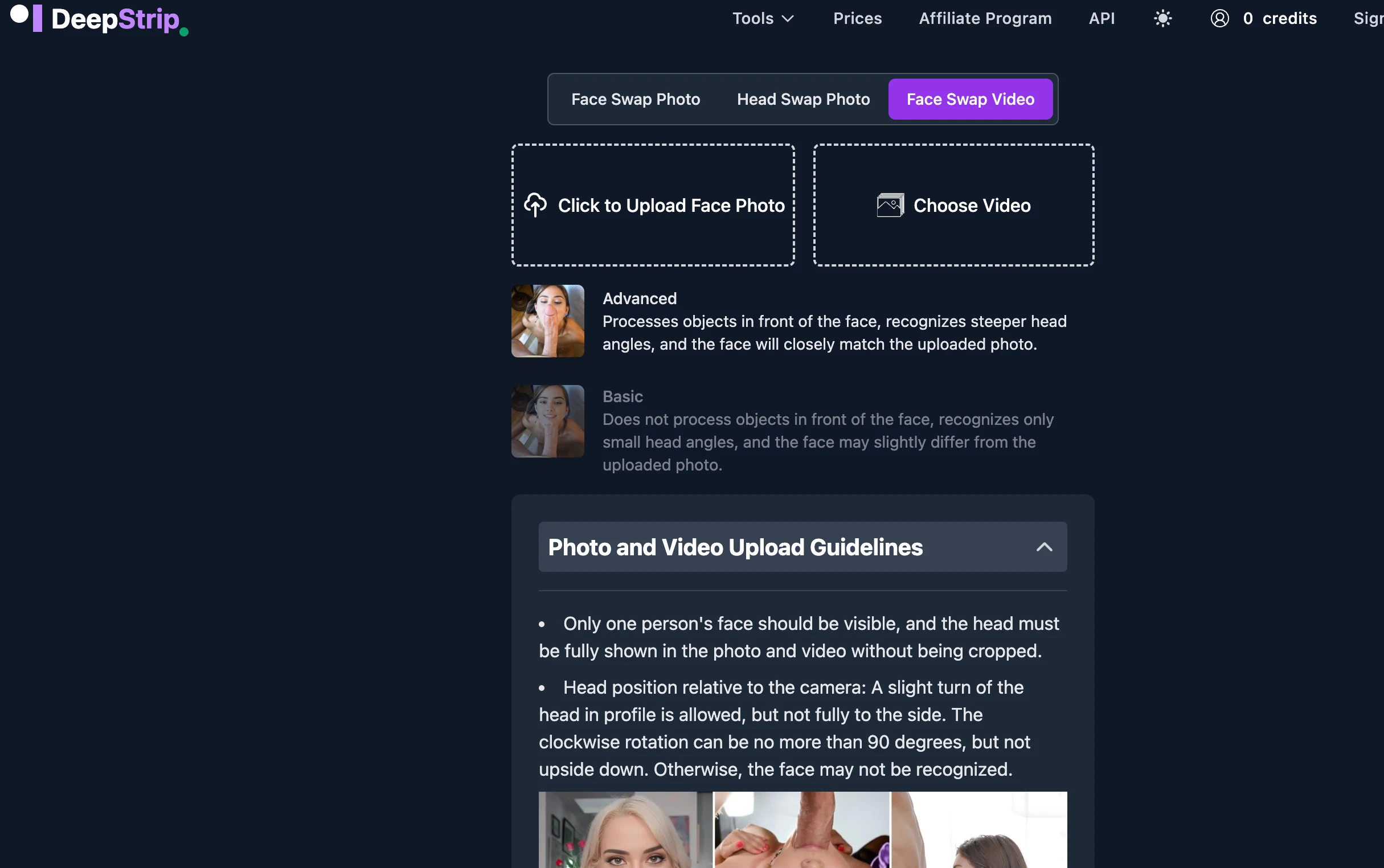
DeepStrip ships four tools on the same account: AI pure undress, face-swap on photos, face-swap on videos, and Animate Photo (NSFW image-to-video with many original template presets, some I’ve seen only here). The pitch is speed: average processing under one minute, output up to 1024px on stills and Full HD on video, and an AI auto-detect / “AI choice” mode that runs the engine without forcing you through prompt or parameter setup.
It’s also one of the few platforms with a one-off credit model instead of a recurring subscription: gem packs start at 19 credits for $0.263 per credit (1-week validity) and scale down to $0.15 per credit on the 667-credit pack (1-month validity), with a discounted “large volume” tier on top. No monthly bill in any tier.
What works for me
The AI auto-detect mode is the headline. Most platforms in this directory ask you to draw a zone, pick a model, configure prompts and tags. DeepStrip skips that loop — upload, AI handles the choice, generation done in under a minute. For users who want one image now and don’t want to learn an interface, this is the fastest path I’ve measured here.
Payment flexibility also stands out. Cards, Google Pay, Apple Pay and cryptocurrencies are all accepted, and the credit model means you only pay for what you use — no auto-renewal anxiety. The 24-hour server-side deletion is explicit (uploads and outputs both), and content is blocked from search-engine indexing. Both stated as policy, not implied.
It's the rare tool where the slowest part of the workflow is choosing which image to upload. – after a normal first session
Where it falls short
Every output ships with a DeepFake watermark set to 94% transparency, but still present on paid generations too, that has to be said. The site frames it as a safety/transparency feature, in practice it means there’s no clean export for personal use, and no upgrade path listed to remove it.
Bulk generation isn’t a feature. The auto-detect mode is fast per image, but if you process volume the credit math gets steep, 667 credits is the top one-month pack, and video clips (Animate Photo, face swap on video) eat more credits than stills. There’s a clear table for pricing transparency on per-feature cost is also lighter than the credit slider alone suggests; you’ll learn the exact cost of each feature when you start spending.
Who is this actually for
Pick DeepStrip if speed and a low-friction interface matter more than tweakability. The AI-choice mode is the right fit for users who want one image today, not for users who want to iterate prompts for an hour. It’s also one of the cleaner picks for users who care about explicit 24-hour privacy guarantees and crypto payment.
Skip it if you want bulk generation, a true watermark-free output, or fine-grained prompt control. DeepStrip is opinionated about how you should use it, and that opinion is “let the AI choose, you click.”
Fastest path to an output in the directory at the cost of fine-grained control.
DeepStrip optimizes for the user who wants a result, not a workflow. Auto-detect mode skips the configuration loop, the credit model skips the subscription, and the four-tool surface (undress + photo face swap + video face swap + animate photo with many original templates) covers most everyday needs. The 94%-transparent watermark and the absence of bulk generation are the real trade-offs, fair given the entry pricing.
Try DeepStrip yourself → Affiliate link · free trial · no card required